Tasks and time tracking in your browser
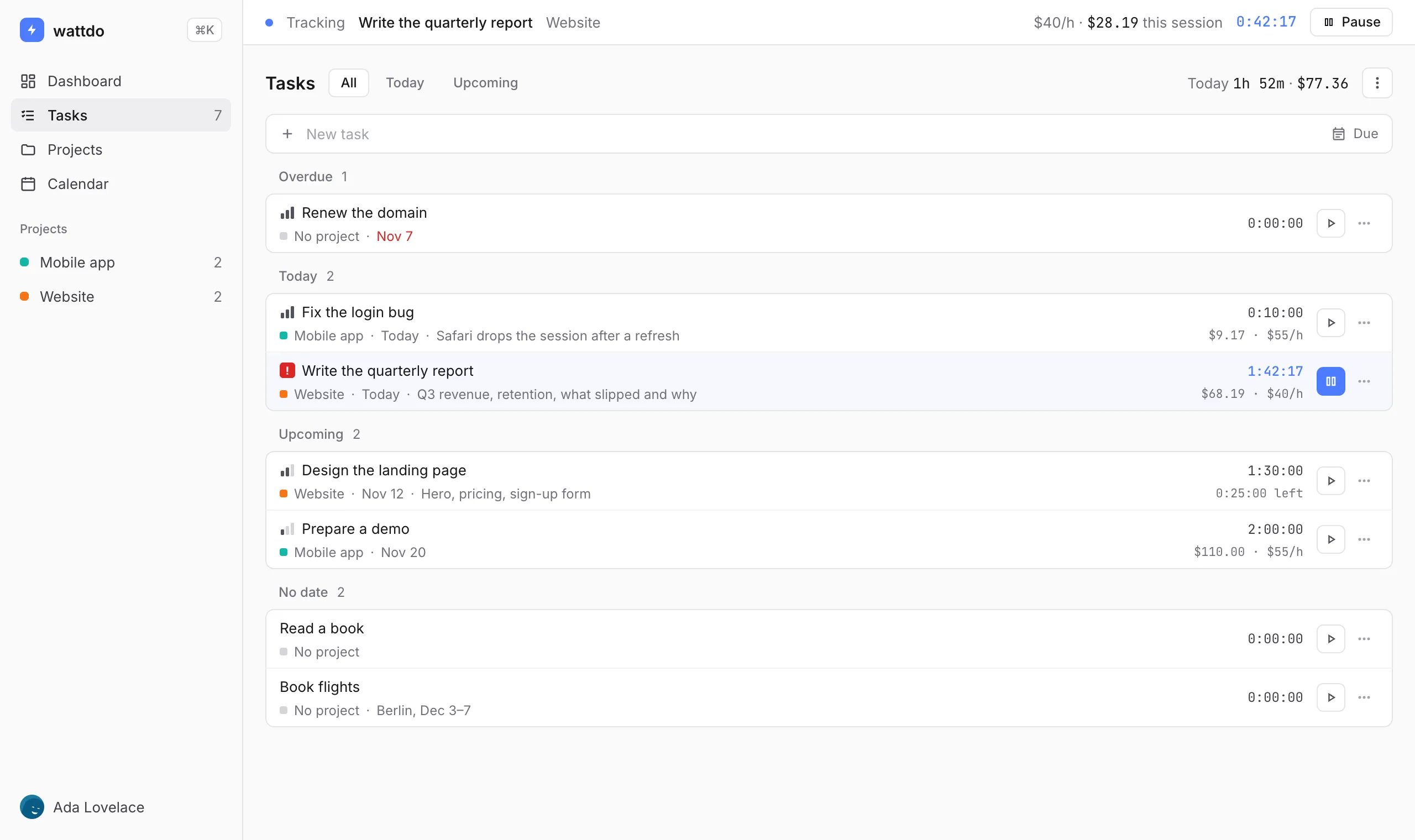
Create tasks, start a timer in one click and see what your hours earned. A Chrome extension and a web app, synced.
The extension works without an account, offline too.
- Chrome
- Edge
- Brave
- Any browser on the web
- Firefox — soon
Timer in one click
Open the extension on any tab and press play. Each start and stop is saved as a session, so a forgotten timer is easy to fix.
Hourly rates and earnings
Set a rate for a project or a single task, in any currency. Every session keeps the rate it was tracked at, so changing it later doesn't rewrite the past.
Dashboard and calendar
Hours per day, earnings and time by project for the last 7 or 30 days. Due dates on a calendar. Export to CSV anytime.
Works offline, syncs everywhere
Everything is saved on your device first. Sign in, and the extension and the web app share the same tasks.
Questions
Is it free?
Yes. Tasks, the timer, sessions, rates and earnings, sync and the dashboard are free.
Do I need an account?
No. The extension works right away. Create an account when you want your tasks on the web and on other devices.
Where is my data stored?
On your device first. When you sign in, it also syncs to our server so it can reach your other devices.
Which browsers are supported?
Chrome and other Chromium browsers, such as Edge and Brave. The web app works in any browser. A Firefox version is planned.